
Johnson City Bankruptcy Records
Bankruptcy records for Johnson City are filed in the Eastern District of Tennessee, which covers Washington County and the surrounding Tri-Cities region. You can search these federal records through PACER, the free VCIS phone line, or by visiting the nearest staffed division office in Greeneville. This page explains every method available to find, access, and request Johnson City bankruptcy case files.
Johnson City Bankruptcy Quick Facts
Eastern District of Tennessee
Johnson City sits in Washington County, which falls under the Eastern District of Tennessee Bankruptcy Court. The district has divisions in Knoxville, Chattanooga, and Greeneville. For Johnson City filers, the Northeastern Division in Greeneville is the closest staffed location. That office is at 220 West Depot Street, Suite 218, Greeneville, TN 37743, and can be reached by phone at (423) 787-0113.
The main Eastern District office is at the Howard H. Baker Jr. U.S. Courthouse, 800 Market Street, Suite 330, Knoxville, TN 37902, phone (865) 545-4279. You can contact either office for help with case questions, filing procedures, or document requests. The Greeneville division handles cases for Washington, Carter, Unicoi, and Greene counties among others.
The court handles Chapter 7 liquidation cases, Chapter 13 repayment plans, and Chapter 11 business reorganizations. All filings become part of the public record unless the court orders them sealed. Most Johnson City cases are assigned to Greeneville for local processing, though all records are accessible through the district's electronic system.
Search with PACER
PACER, which stands for Public Access to Court Electronic Records, is the main tool for searching federal bankruptcy files. You can register at pacer.uscourts.gov for free. Once logged in, you can search the Eastern District of Tennessee court by debtor name, case number, or Social Security number. Records go back many years, and most filings from 2000 onward are fully digitized.
PACER charges 10 cents per page to view documents. A single document is capped at $3.00 regardless of length. If your total charges in a quarter stay under $30.00, the fee is waived. That makes PACER practical for occasional searches. You can view the docket, schedules, creditor lists, discharge orders, and most other case documents directly in your browser.
Use the PACER Case Locator at pcl.uscourts.gov if you are not sure which district the debtor filed in. This national index searches all federal courts at once. It is useful when a business or person may have filed in a different state or district. The Case Locator is free to search and shows the court, case number, and filing date.
Free VCIS Phone Line
The Voice Case Information System, or VCIS, lets you look up basic case details over the phone at no cost. Call 866-222-8029 and press extension 813 for the Eastern District of Tennessee. The automated system asks for a case number or debtor name. It returns the case status, chapter filed, filing date, trustee name, and date of any discharge or dismissal.
VCIS is open around the clock. You do not need a PACER account. This is the fastest way to confirm whether a case is active or closed, check a discharge date, or verify a case number before pulling full documents. It works well for straightforward lookups when you already know the debtor name or have an approximate case number.
Filing Fees and Case Types
Current federal filing fees apply to all Johnson City cases. Chapter 7 costs $338 to file. Chapter 13 costs $313. Chapter 11, which is most often used by businesses, costs $1,717. These fees are set by Congress and apply uniformly across all federal districts. The court does allow low-income filers to apply for a fee waiver for Chapter 7, or to pay in installments. Contact the Greeneville division or Knoxville main office to ask about waiver forms.
Most individual filers in the Tri-Cities area choose Chapter 7 or Chapter 13. Chapter 7 is a liquidation process that typically concludes in three to six months. Chapter 13 involves a three-to-five-year repayment plan. Both types generate public court records that remain accessible after the case closes.
What Bankruptcy Records Contain
A bankruptcy case file includes the petition, which lists the debtor's name, address, and the chapter filed. The schedules show assets, liabilities, income, and monthly expenses. The creditor matrix lists every person or company the debtor owes money to. The statement of financial affairs covers recent transactions, lawsuits, and transfers. Most of these documents are public under 11 U.S.C. § 107(a), the federal law that governs public access to bankruptcy files.
Some information is protected. Social Security numbers are truncated to the last four digits. Certain financial account numbers are partially redacted. In cases involving minors or victims of certain crimes, the court may restrict access to specific documents. Outside of those exceptions, all filings in a Johnson City case are available to anyone who searches PACER or visits the courthouse.
The docket sheet is the index of a case. It lists every filing with its date and a brief description. This is usually the first document to review when researching a case, because it shows the full history from petition to discharge or dismissal.
Washington County Court Records
Federal bankruptcy records and state court records are separate systems. For state-level civil, criminal, or family court records in Washington County, contact the Washington County Sessions Court. The office is at 108 W. Jackson Boulevard, Jonesborough, TN 37659, phone (423) 753-1602. You can find more information at the Washington County Sessions Court website. This office does not hold federal bankruptcy records but can provide records for state court judgments, which sometimes run alongside bankruptcy cases.
The Tennessee Public Records Act, T.C.A. § 10-7-503, gives the public the right to inspect and copy government records in Tennessee. For state court records held locally, you submit a written request to the relevant clerk. There may be copying fees, but inspection is generally free. For federal bankruptcy records, PACER is the standard access point rather than the Tennessee Public Records Act, since federal courts operate under their own rules.
Johnson City also maintains its own public records portal. You can submit a request through the Johnson City Public Records Request page for city-generated records. That system does not cover federal court filings, but it can be useful when looking for related city documents such as business licenses or permits tied to a bankruptcy case.
Court Dockets and Document Copies
The PACER system provides the Eastern District of Tennessee's full electronic docket. Log in, search by debtor name or case number, and open the docket sheet. From there you can click any entry to view the filed document. Documents are displayed as PDFs and charged at 10 cents per page up to the $3.00 cap.
If you need certified copies of documents, you must contact the court directly. The Greeneville division at (423) 787-0113 or the Knoxville office at (865) 545-4279 can tell you the current fee for certified copies and how to submit a request. Certified copies are sometimes needed for legal proceedings, loan applications, or to show proof of discharge to a creditor.
Paper records for older cases, especially those filed before electronic filing became standard, may be held by the National Archives. NARA manages archived federal court records at archives.gov/research/court-records. For very old cases, you may need to contact NARA's Atlanta facility, which handles records from Tennessee federal courts.
PACER and Court Portal
The PACER federal court portal is the primary access point for all Eastern District bankruptcy cases filed by Johnson City residents and businesses. The site requires a free account to begin searching. Once registered, you can search by name, case number, Social Security number, or tax ID. The portal also lets you set up email alerts when new filings appear in a case you are monitoring.
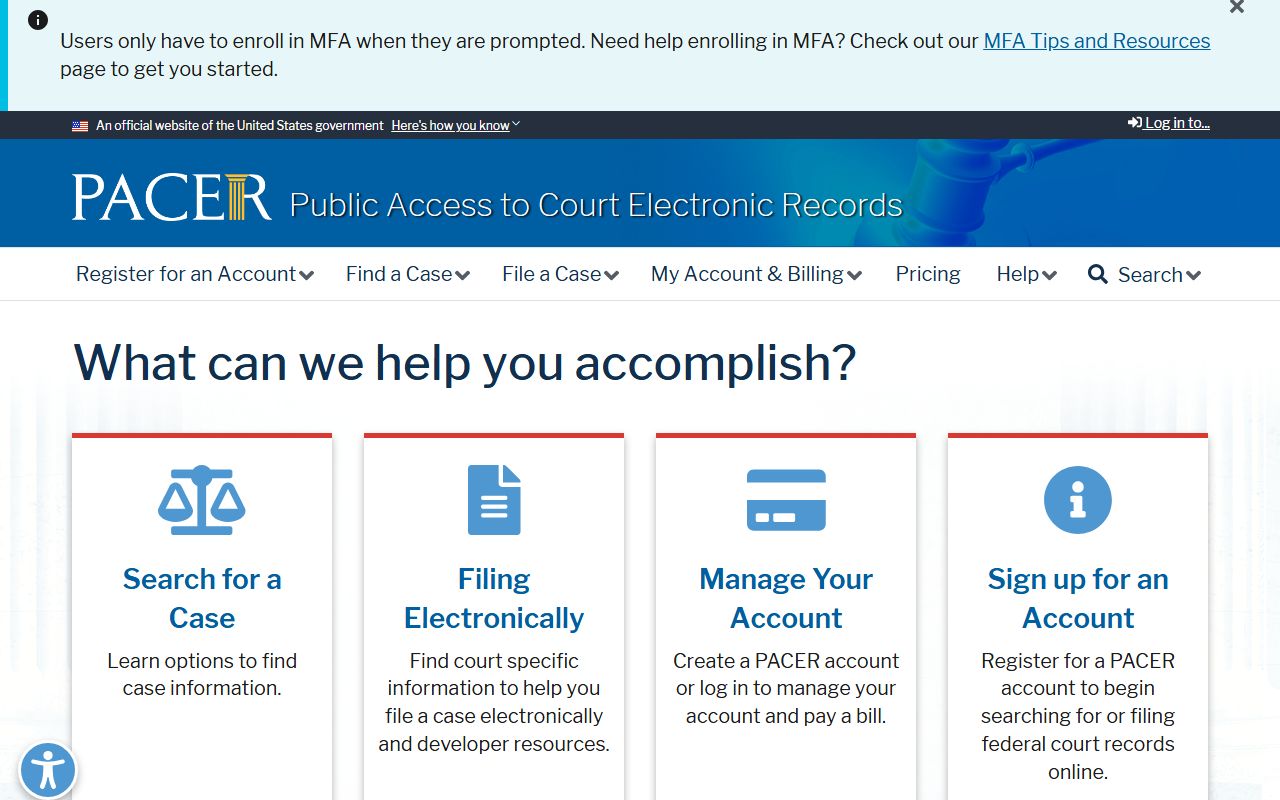
The PACER portal shows real-time docket updates. New filings typically appear within one business day of being accepted by the court. You can download any document directly from the docket screen. The system also lets you track multiple cases at once, which is useful for attorneys, creditors, or researchers monitoring several Johnson City cases.
PACER Case Locator
When you are unsure which court holds a particular case, start at the PACER Case Locator. This tool searches across all 94 federal district and bankruptcy courts. Enter a name or Social Security number and the system returns any matching cases nationwide, showing the court, case number, chapter, and filing date.
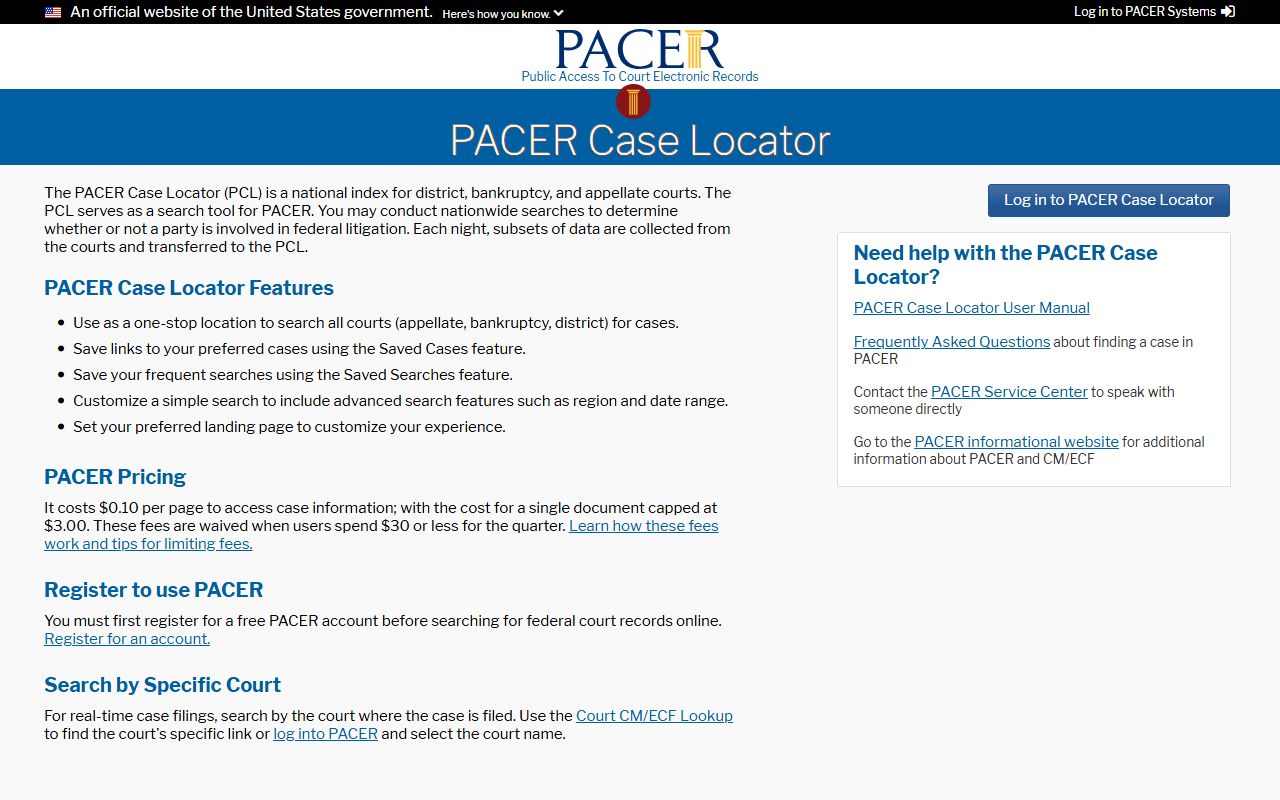
The Case Locator is especially helpful for businesses with offices in multiple states, or for individuals who may have filed under a prior address in another district. It costs nothing to search. Once you identify the court and case number, you can go directly to that court's PACER system to pull the full docket and documents.
Eastern District Court Website
The Eastern District of Tennessee Bankruptcy Court website provides forms, local rules, fee schedules, and filing instructions. The site lists all three divisional offices with addresses and phone numbers. It also has guidance on filing without an attorney, known as pro se filing, which is allowed in bankruptcy court. The forms page includes all required petition forms and instructions for individual and business filers alike.
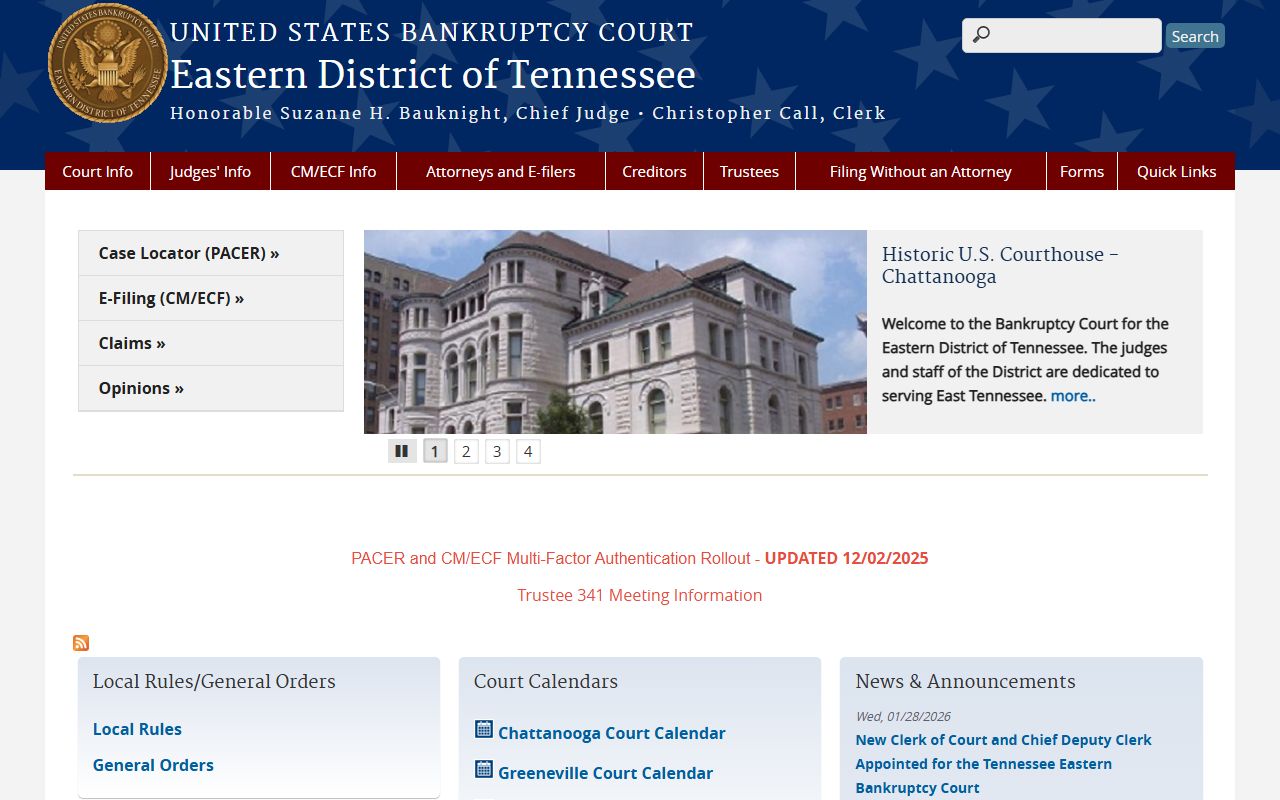
The court website also posts news about rule changes, fee updates, and court closures. If you plan to file or visit the Greeneville division, check the site first. Local rules for the Eastern District sometimes differ from the national bankruptcy rules, and the court expects all filers to follow both sets of rules.
Nearby Cities
Other Tennessee cities with bankruptcy record resources: